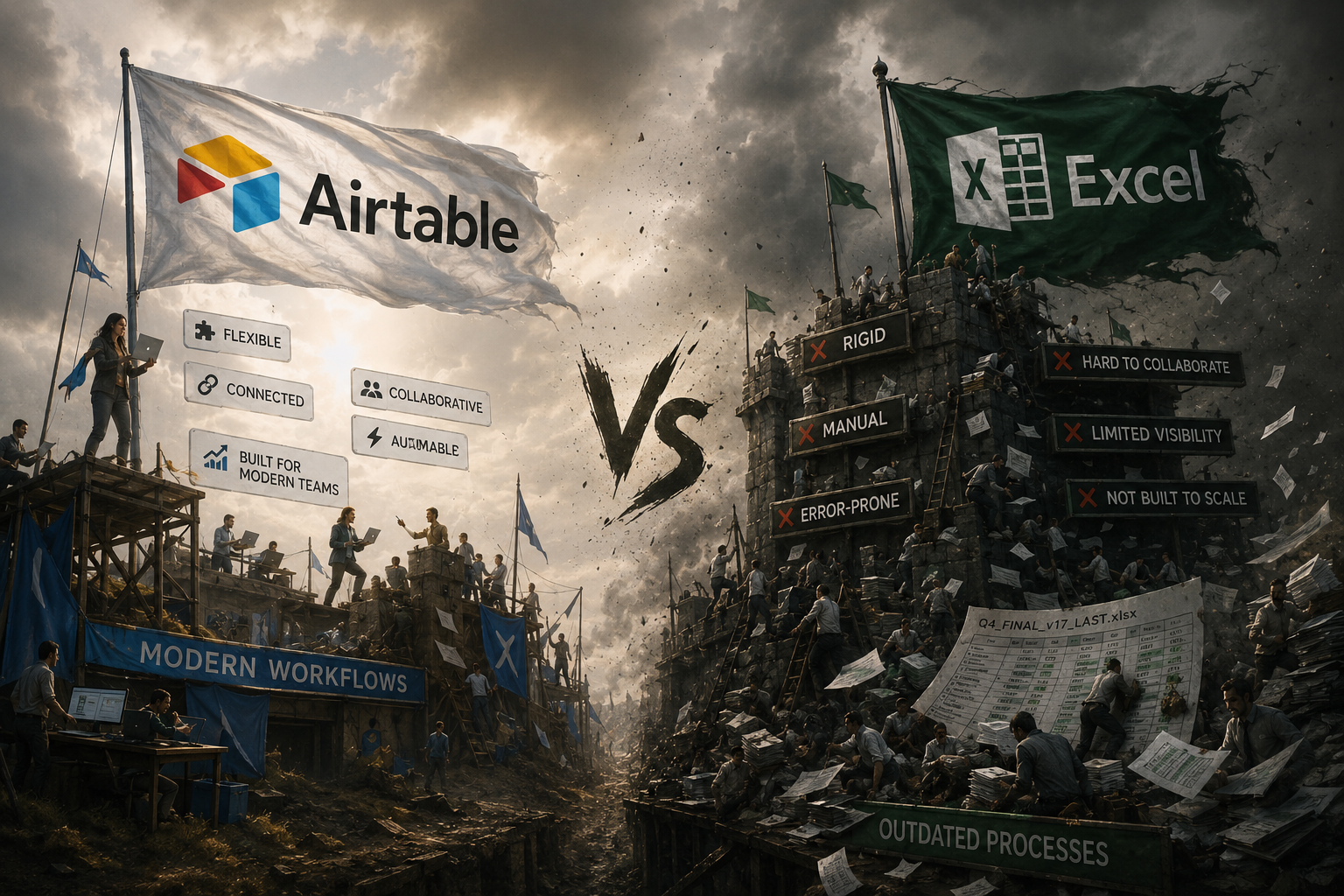
If you’re still running key parts of your business in Excel or Google Sheets, you’re in good company. Millions of businesses do. But there’s a growing shift among small and medium businesses toward tools like Airtable, and once you understand what Airtable actually does differently, it’s not hard to see why.
This isn’t about ditching something that works. It’s about understanding when you’ve outgrown it.
What Excel and Google Sheets do well
Let’s be fair. Spreadsheets are exceptional tools for certain things. Financial modelling, one-off data analysis, ad hoc calculations. Excel in particular is extraordinarily powerful for this kind of work. If you’re building a cash flow forecast or running complex formulas, it’s hard to beat.
Google Sheets adds real-time collaboration and accessibility. For simple shared lists or lightweight tracking, it’s perfectly adequate.
The problem arises when businesses try to use spreadsheets as their operational backbone, tracking customers, managing projects, running pipelines, logging tasks. That’s where they start to buckle.
Where Airtable is fundamentally different
Airtable looks a bit like a spreadsheet on the surface. It has rows and columns. But underneath, it’s a relational database, which means your data can actually connect to itself in meaningful ways.
In a spreadsheet, if you want to link a customer to their orders and their invoices, you’re manually copying data between sheets, using VLOOKUPs, or just hoping the formatting stays consistent. In Airtable, you simply link the records. The customer record shows all their orders. The order record shows the invoice. Everything is connected, live, and accurate.
Views that match how you actually work
One of the most immediately useful features of Airtable is the ability to view the same data in completely different ways depending on what you need.
The same set of records can be viewed as a grid (like a spreadsheet), a Kanban board, a calendar, a gallery, a timeline, or a Gantt chart, without duplicating any data. Your sales pipeline can be a Kanban. Your project deadlines can be a calendar. Your product catalogue can be a gallery. All from the same underlying database.
Automation built in
Airtable has native automation capabilities that let you trigger actions when records change. Send an email when a status updates. Create a new record when a form is submitted. Notify a team member when a task is assigned to them. For more complex workflows, it integrates seamlessly with Make.com to connect your Airtable data to the rest of your business tools.
Spreadsheets can do some of this with scripts and macros, but it requires technical knowledge and tends to be brittle. Airtable’s automations are designed to be set up by non-technical people and to just work.
Proper permissions and access control
In Google Sheets, you can share a document with view or edit access. That’s about it. In Airtable, you can control access at the base level, the table level, and even the field level. You can create interfaces that show different people exactly what they need to see, and nothing they shouldn’t.
This matters enormously when you’re sharing systems with clients, contractors, or team members.
So should you switch?
For financial modelling and complex calculations: keep Excel. It’s the right tool for that job.
For tracking customers, managing projects, running operations, logging client work, or any process that involves multiple people or connects to other tools: Airtable is almost certainly a better fit.
The transition is easier than most people expect, and the time saved from day one tends to be significant. If you’d like to talk through what your business could look like on a properly built Airtable system, book a free discovery call and we’ll walk you through it.